Control Your Mac Appswith Voice or Prompts

Download Now

Try It for Free.

vAssiDesk turns everyday prompts into Mac actions.

Use your voice or keyboard to open apps, inspect what is on screen, click controls, type into fields, press keys, search the web, and create useful work artifacts without breaking your flow.

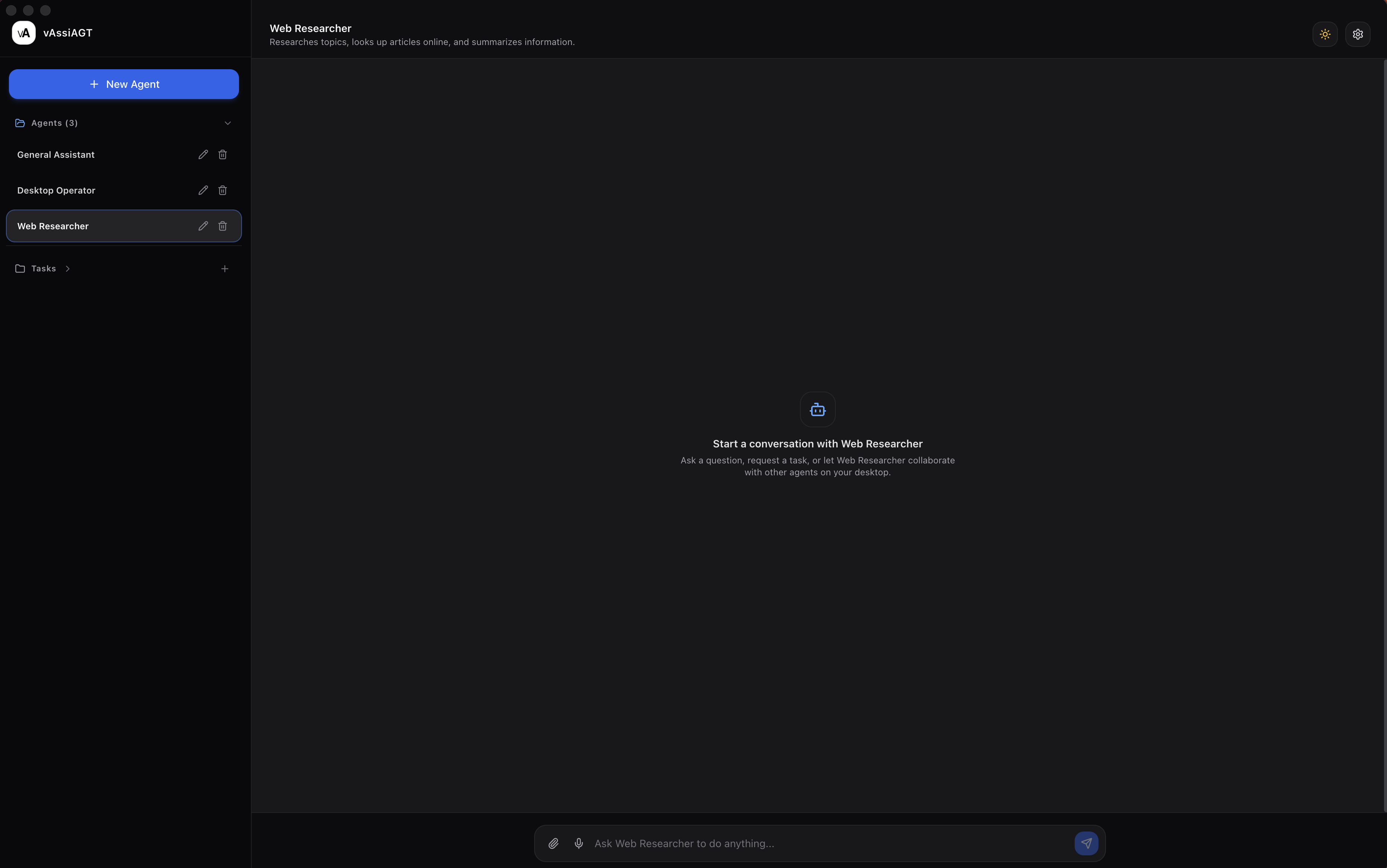
vAssiDesk desktop control interface

Talk or Type

Control your Mac in the way that fits the moment.

Say "Hey vAssi" when voice is faster, or type a prompt when you want quiet precision. vAssiDesk keeps both input modes available so quick commands, longer requests, and hands-free workflows all feel natural.

vAssiDesk Document Analysis

Ask better questions with the files already in front of you.

Add PDFs, images, text documents, Markdown, JSON, XML, CSV, and Excel workbooks directly from the prompt composer. vAssiDesk indexes the relevant content, retrieves the passages that answer your typed question, and cites the source file in its response.

01

Add a document or spreadsheet from the prompt composer.

02

Ask a typed question about its contents, sheets, rows, or key details.

03

Review a source-grounded answer with the relevant filename cited in the artifact.

Organize Folders

Bring order to a folder without losing control of your files.

Choose a folder from the prompt composer, then ask vAssiDesk to organize files or clean up filenames. It prepares a clear plan for you to review, applies changes only after you confirm, and lets you undo the result.

01

Choose the folder you want to organize from the prompt composer.

02

Ask vAssiDesk to sort files or clean up filenames, by voice or prompt.

03

Review every proposed change, then apply it or undo it from the artifact.

vAssiDesk Commands

Save reusable voice or text commands for the work you repeat.

Create a command once, give it a trigger phrase like "Open Figma," then run it anytime by voice or prompt. vAssiDesk stores your command chains so common Mac workflows are ready when you are.

01

Name the command and add the phrase you want to say.

02

Type what vAssiDesk should do, like opening an app or running a short workflow.

03

Say the phrase later, or ask to show your commands from the artifact area.

Scheduled Tasks

Tell vAssiDesk what to do later, then keep working.

Ask vAssiDesk to open a website, check information, summarize a page, or run a prompt at a specific time. Scheduled tasks stay visible in the artifact area, where you can review what is pending and cancel anything you no longer need.

01

Ask naturally, like "Open this website at 8am and summarize the content."

02

vAssiDesk confirms the time and runs the prompt when it is due.

03

Open your scheduled tasks anytime to review or cancel pending work.

Deep Research

Turn a broad question into a sourced brief.

Ask vAssiDesk to research a topic, compare options, or investigate a question. It gathers relevant web results, combines them with uploaded document context when available, and creates a Deep Research artifact with a summary, key findings, source notes, gaps, and next steps.

01

Ask vAssiDesk to research, compare, evaluate, or investigate a topic.

02

vAssiDesk gathers web sources and checks uploaded documents when they are relevant.

03

Review a sourced Deep Research brief in the artifact area, with findings, citations, gaps, and next steps.

Open Files

Ask vAssiDesk to open a file from your Desktop, Documents, or Downloads. Use its default Mac app, or name a compatible app such as Acrobat, Claude, Photoshop, or Preview. It works with any local file type the chosen app can open.

01

Name the file and location, like “Open the BW Guide PDF on my desktop.”

02

Use its default Mac app, or add “in Acrobat,” “in Claude,” or another compatible app.

03

vAssiDesk finds the file and opens it directly in the requested app.

vAssiDesk Works With Your Favorite AI Tools AntiGravity, Codex, ChatGPT, Claude, and More

Already using AntiGravity, Codex, ChatGPT, Claude, or Work? vAssiDesk acts like a Mac-side extension for those tools, helping you open them, prompt them, and direct what they do next.

Open Codex and start a project

Ask vAssiDesk to open Codex, start a new project, and tell it what you want built or changed.

Prompt ChatGPT or Claude

Have vAssiDesk open the AI tool you prefer and send the prompt you want to run next.

Move between AI tools faster

Use vAssiDesk to launch the right assistant for the task, from research and planning to coding and review.

Built for macOS from the start.

vAssiDesk is a native Mac app designed around SwiftUI, AppKit, Accessibility, App Intents, and Shortcuts. Computer control stays permissioned, visible, and grounded in the actions macOS allows.

Designed for real desktop work.

App Navigation

Open apps, switch context, inspect visible controls, and move through repetitive desktop steps with natural language.

Writing & Entry

Dictate, draft, paste, and enter text into supported fields when typing everything by hand slows the work down.

Deep Research

Turn broad questions into sourced briefs with findings, citations, gaps, and next steps in a dedicated Deep Research artifact.

File Creation

Turn prompts into notes, generated images, spreadsheets, presentations, and local files that are ready to open.

Hands-Free Moments

Use voice when your hands are busy, when you are moving between apps, or when a quick spoken command is faster than clicking.

Quiet Focus

Switch to typed prompts when you need privacy, precision, or a more deliberate command without using your microphone.

Creative Workflows

Generate images, organize visual ideas, and create supporting files while staying inside your desktop workflow.

Mac Automation

Combine app launching, UI inspection, clicks, typing, key presses, searches, and generated artifacts into practical command flows.

Permissioned by Design

vAssiDesk uses explicit macOS permissions for microphone access, computer control, and screen-aware workflows, so desktop actions stay visible and under your control.

How It Works.

01

Download vAssiDesk and grant the macOS permissions needed for microphone input and permissioned desktop control.

02

Speak a command or type a prompt. Ask vAssiDesk to open an app, inspect the screen, click a control, type text, search, or create a file.

03

vAssiDesk reads the visible interface, plans the next supported action, and performs it through native Mac automation layers.

04

Results appear in the workspace as messages, search artifacts, notes, generated images, records, or files you can open.

05

Keep working by voice or typed prompt, switching between hands-free control and quiet command entry as the moment requires.

Desktop control, designed for your Mac.

FAQs

What is vAssiDesk?
vAssiDesk is a native macOS app that lets you use voice or typed prompts to control desktop apps, search the web, and create useful artifacts.
Can vAssiDesk control my apps?
vAssiDesk can perform supported actions like opening apps, inspecting visible UI, clicking controls, typing text, and pressing keys where macOS permissions and app interfaces allow.
Do I have to use voice?
No. Voice and typed prompts are both supported, so you can speak when it is convenient or type when you want quiet, precise control.
What can vAssiDesk create?
vAssiDesk can create and organize artifacts such as notes, markdown, generated images, search results, Deep Research briefs, spreadsheets, presentations, records, and local files.
What documents and spreadsheets can vAssiDesk analyze?
You can add PDFs, JPG, PNG, WebP, TXT, Markdown, JSON, XML, CSV, and Excel (.xlsx) files. vAssiDesk indexes the content so you can ask typed questions and receive answers with source-file citations.
Can I ask questions about uploaded documents by voice?
Document analysis currently works with typed prompts. Voice remains available for desktop control and conversation while document-grounded voice answers are developed separately.
Can vAssiDesk run tasks later?
Yes. You can ask vAssiDesk to run a prompt at a specific time, such as opening a website at 8am and summarizing the content when the task is due.
How do I view or cancel scheduled tasks?
Ask vAssiDesk to show your scheduled tasks. It displays them in the artifact area, where each pending task appears in its own row with a cancel control.
What permissions does vAssiDesk need?
Desktop control features require explicit macOS permissions such as Accessibility, microphone access, and screen-aware permissions depending on the workflow.
Why use vAssiDesk over ChatGPT?
ChatGPT is great for general AI conversations. vAssiDesk is built for working on your Mac, with voice, documents, artifacts, and app control built into the desktop experience.
Is vAssiDesk the same as vAssi Chat?
No. vAssi Chat is for branded conversational agents. vAssiDesk is focused on native Mac control, desktop workflows, and local work artifacts.
Download Now

Try It for Free.

System Requirements

vAssiDesk is a native macOS download for controlling desktop apps with voice or typed commands.

  • macOS 14 Sonoma or later
  • Apple Silicon or Intel Mac
  • Internet connection for AI voice/text commands, billing, and credit sync
  • Microphone access for voice commands
  • Accessibility and Automation permissions for desktop app control